UEI: This is another CEI

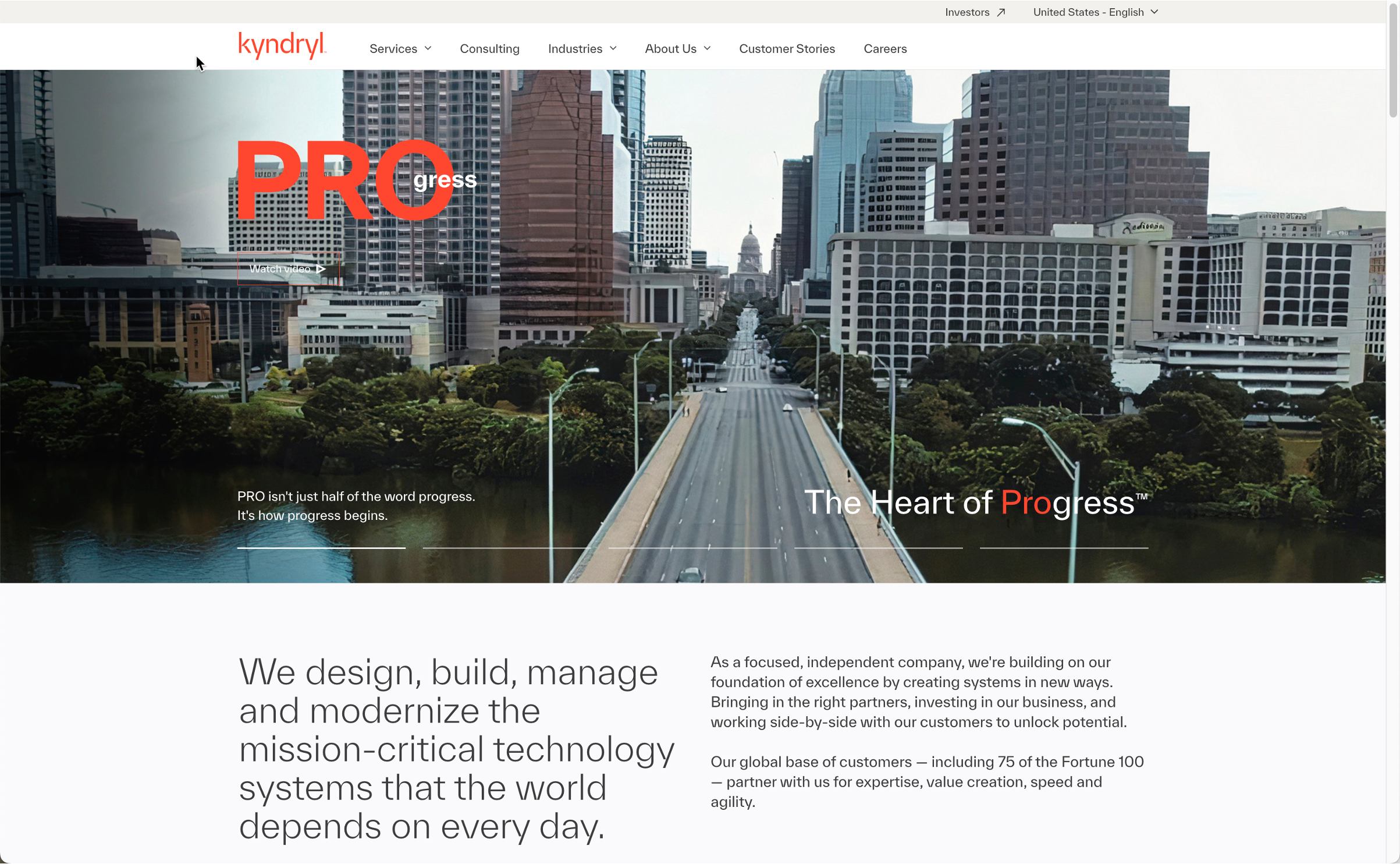
View Kyndryl.com
Homepage
1
Feeling: Neutral
Observations:
The customer goes to the Kyndryl.com website.
Pain Point:
None
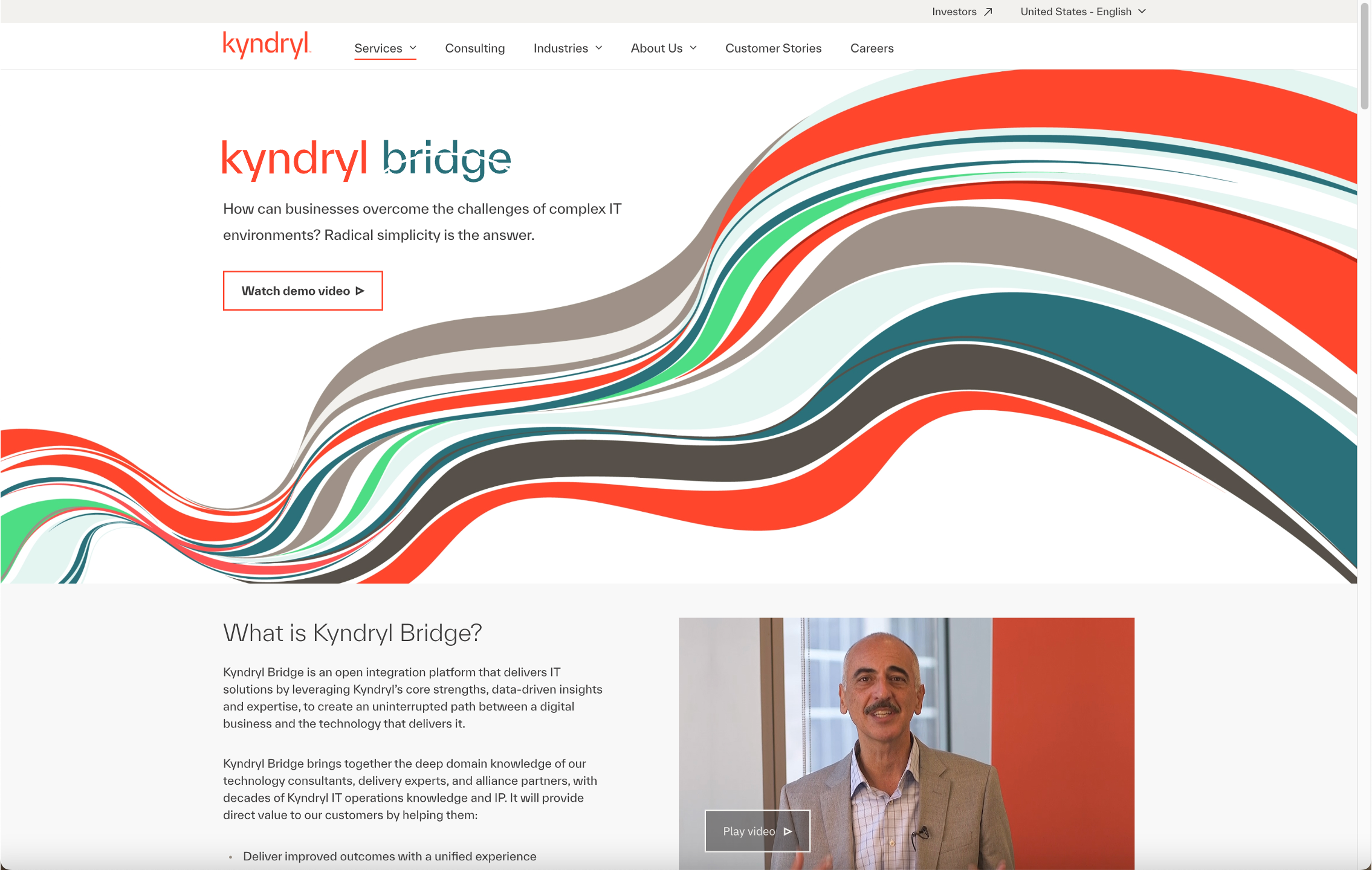
Give it a name
A sutitle
0
Feeling: Negative
Observations:
wrhgsgdhoisgo sighs is
Pain Point:
No pain points.
Find more
2
Feeling: Positive
Observations:
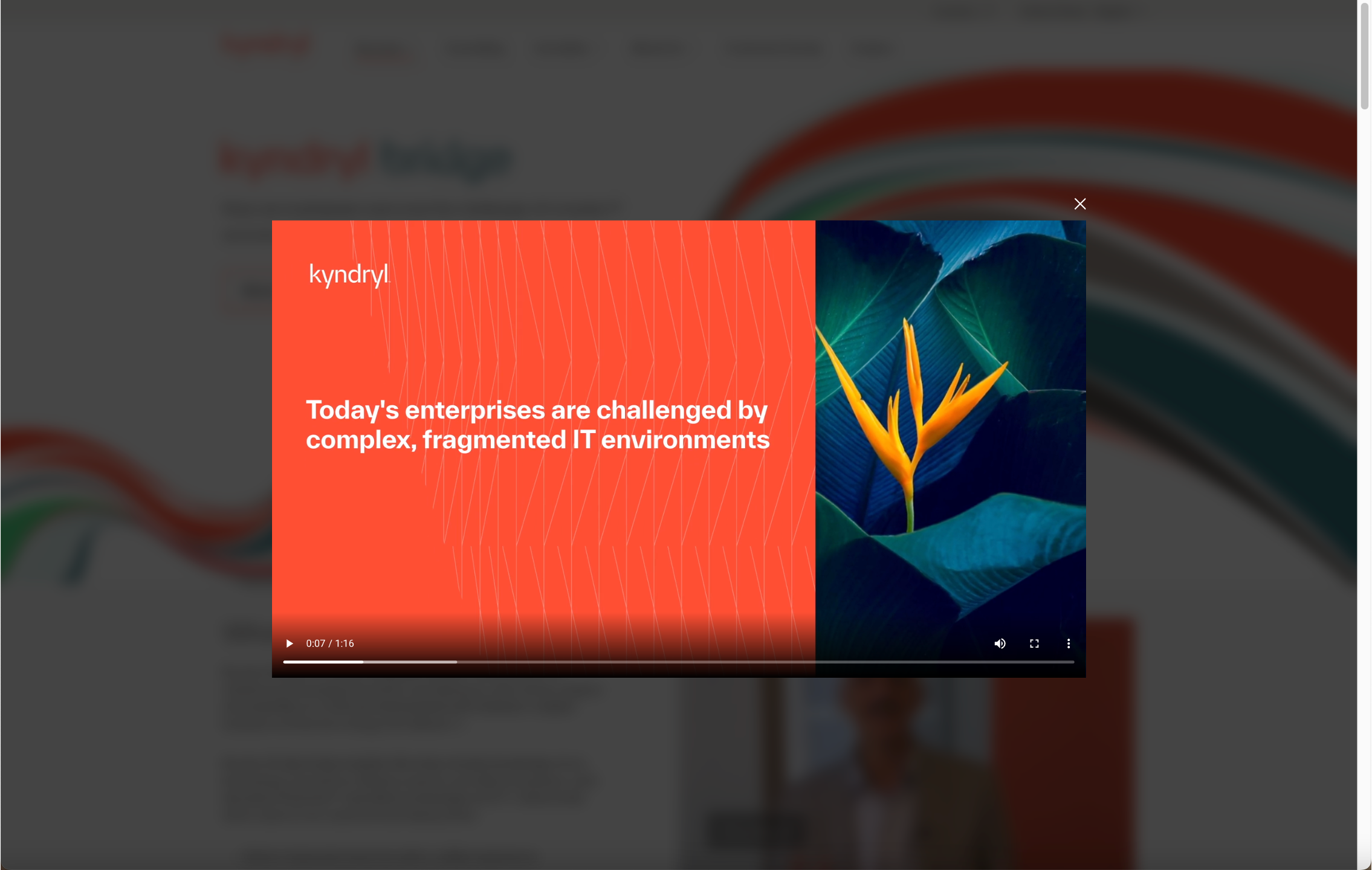
Demo video was great – customer closes it to see what else the “Learn more” page has to offer.
Pain Point:
None
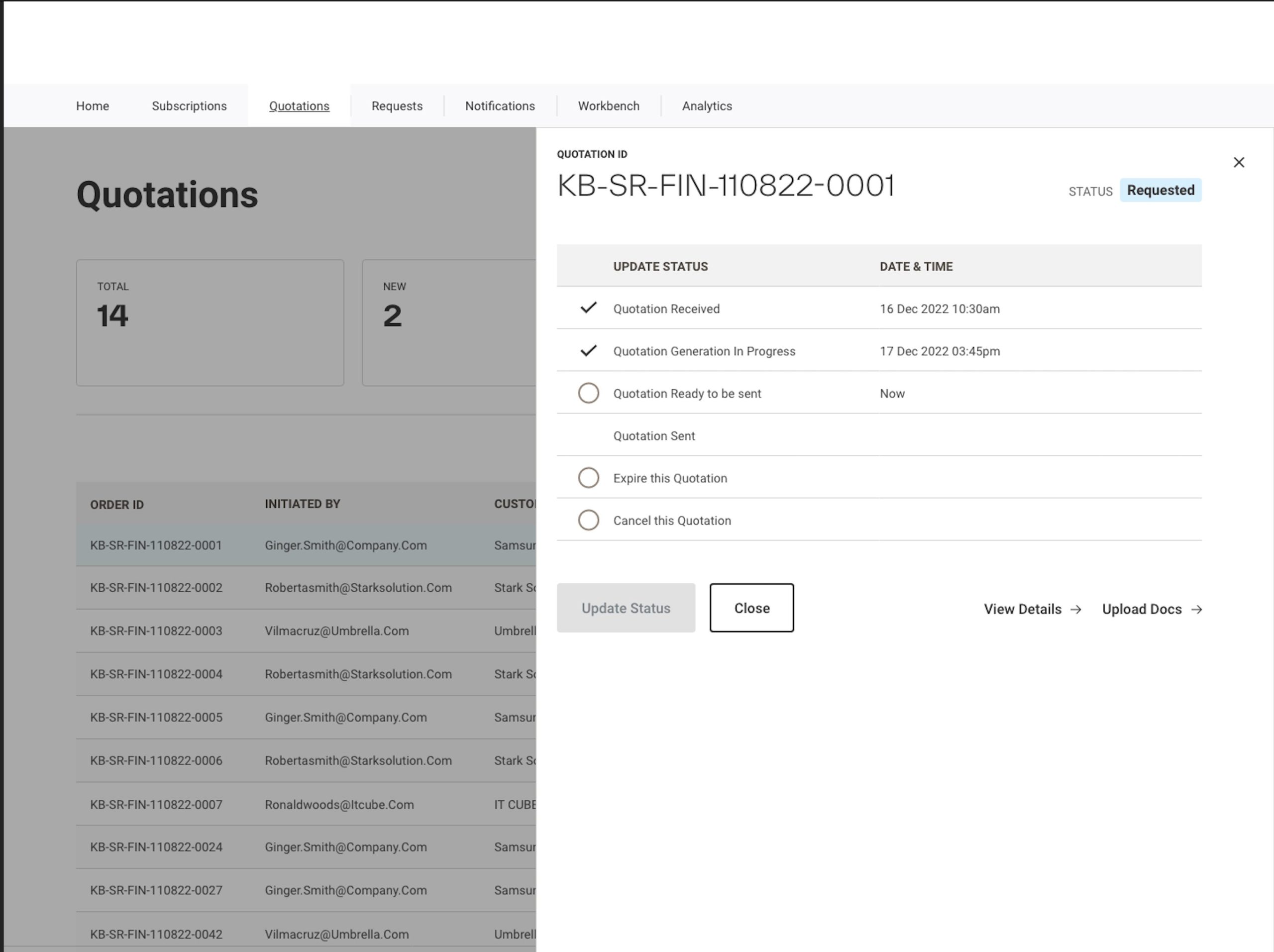
Another slide being tracked
Sub info here
1
Feeling: Neutral
Observations:
None
Pain Point:
None
New Tracking Slide
You can add subtitle
1
Feeling: Neutral
Observations:
Here you are
Pain Point:
Your Pain Points
Search Kyndryl.com
Homepage
0
Feeling: Negative
Observations:
The customer searches for a search box.
Pain Point:
There is no search affordance on the Kyndryl.com website.
Find KB on Kyndryl.com
Homepage
2
Feeling: Positive
Observations:
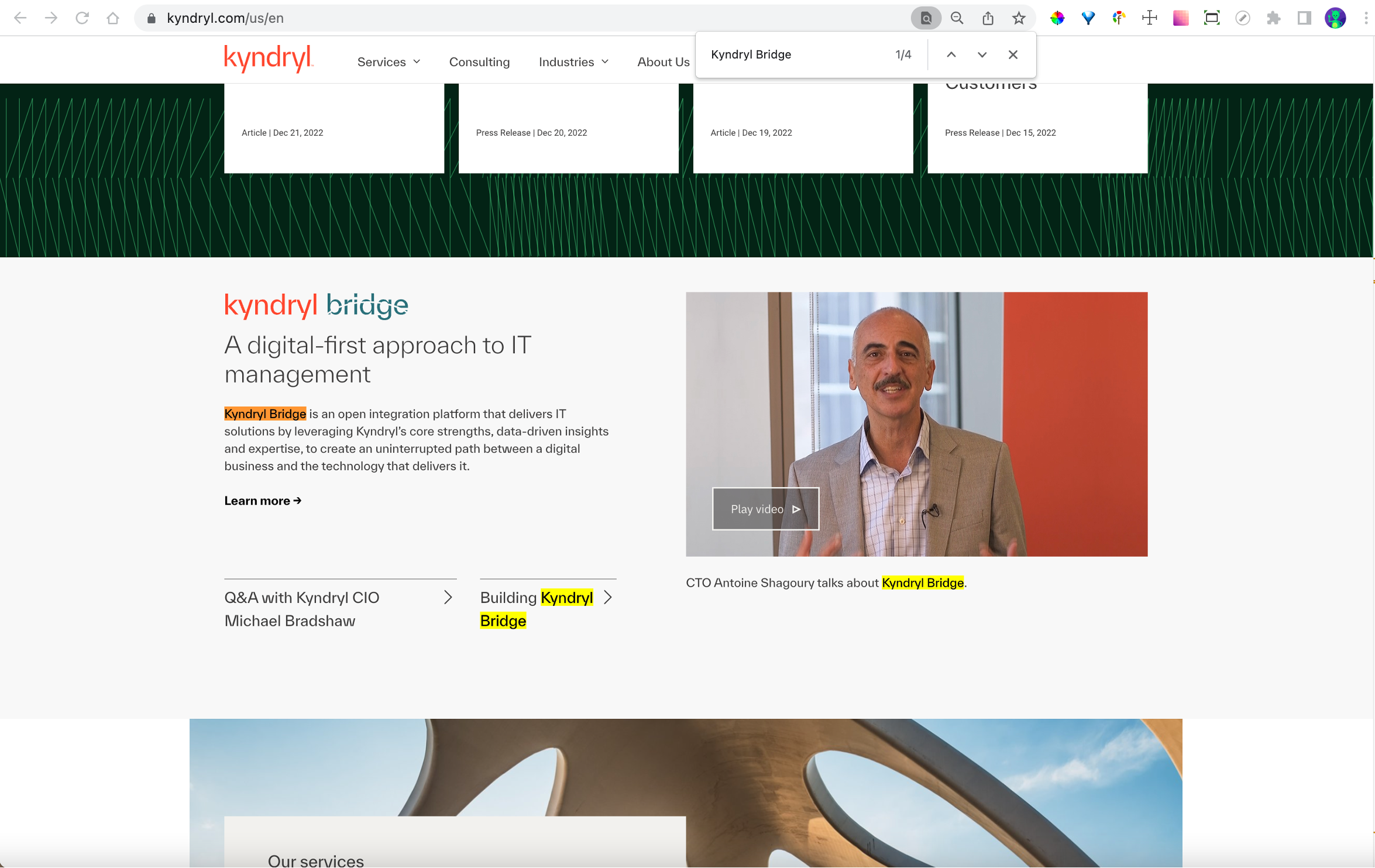
The customer does a text ‘find’ with keywords “Kyndryl Bridge” and locates it some way down the homepage.
Pain Point:
Kyndryl Bridge seems quite far down below fold.
View KB video on Kyndryl.com
Homepage
0
Feeling: Negative
Observations:
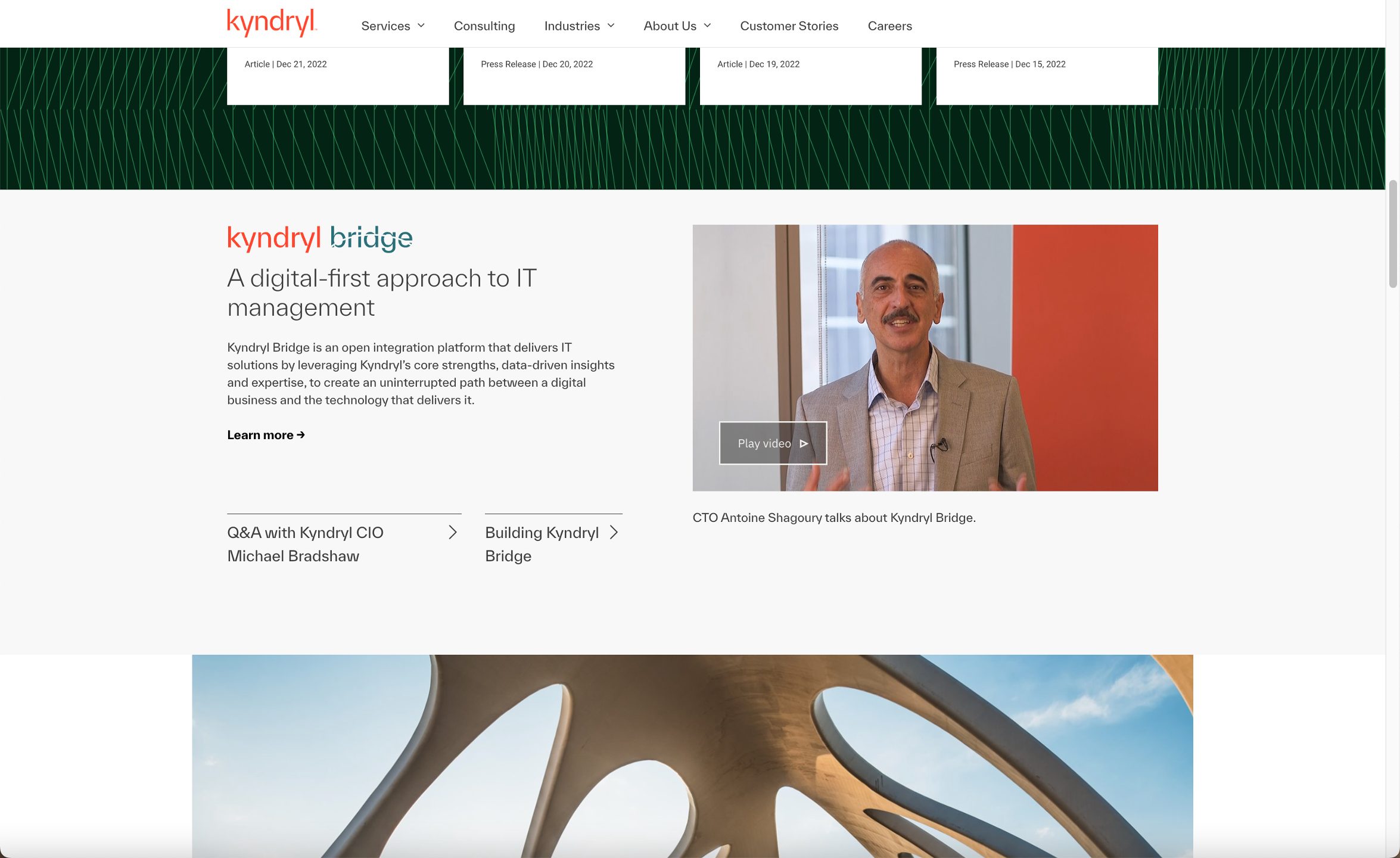
The customer clicks the ‘Play Video’ CTA
Pain Point:
CTA for Play video aside, the link order/precedence seems a little confusing. Customer is uncertain what to click upon next.